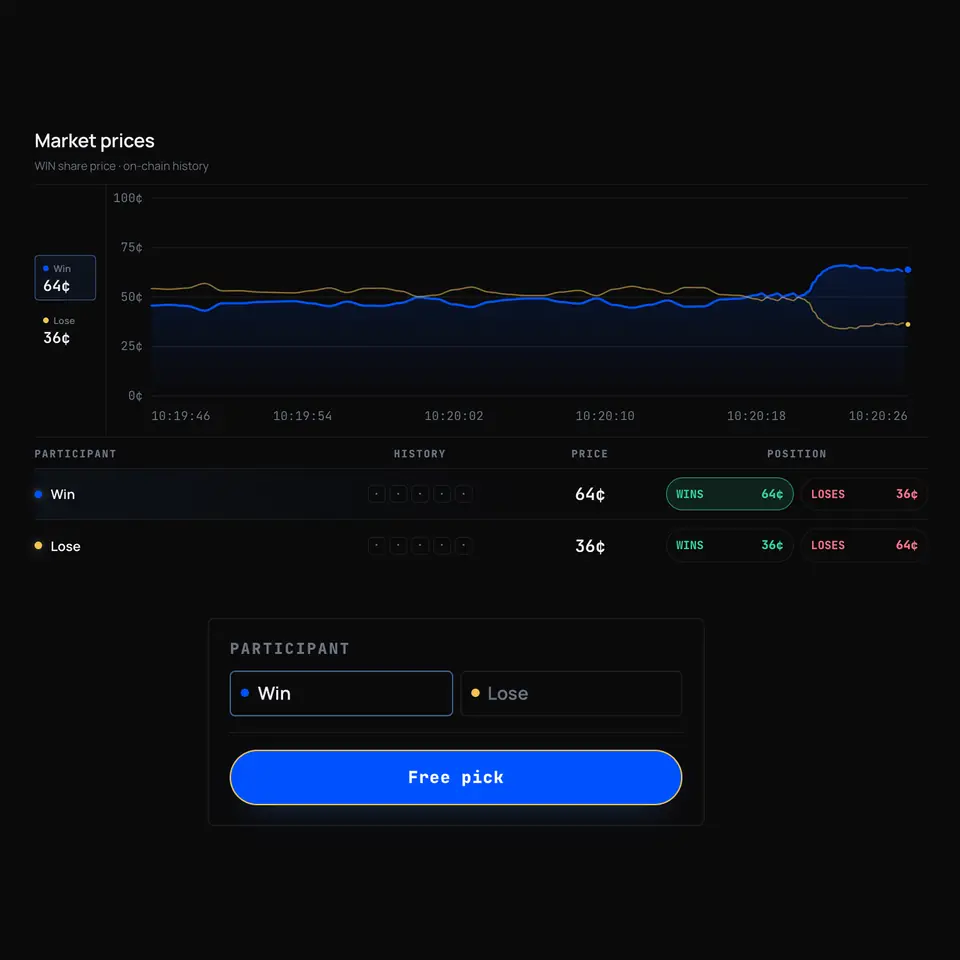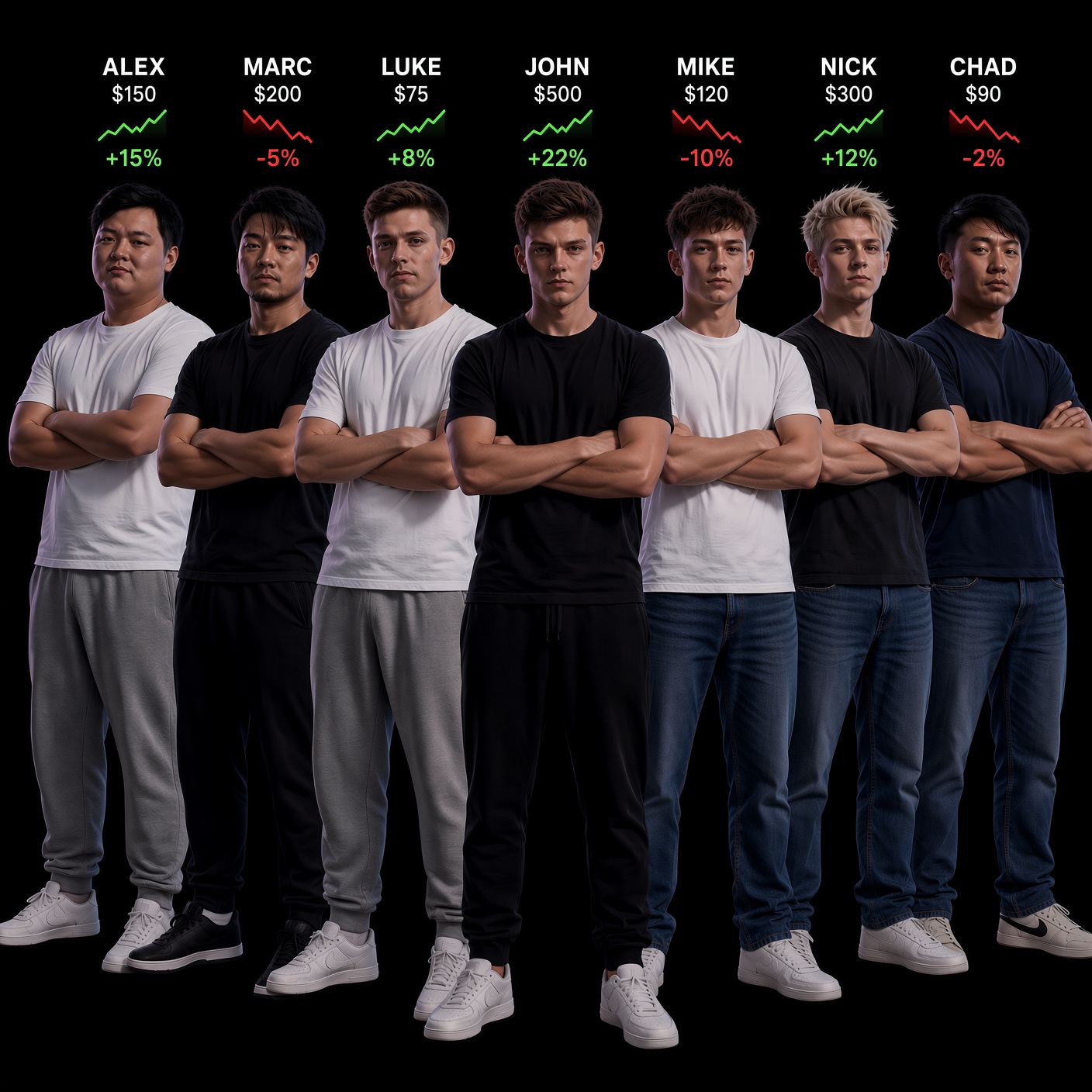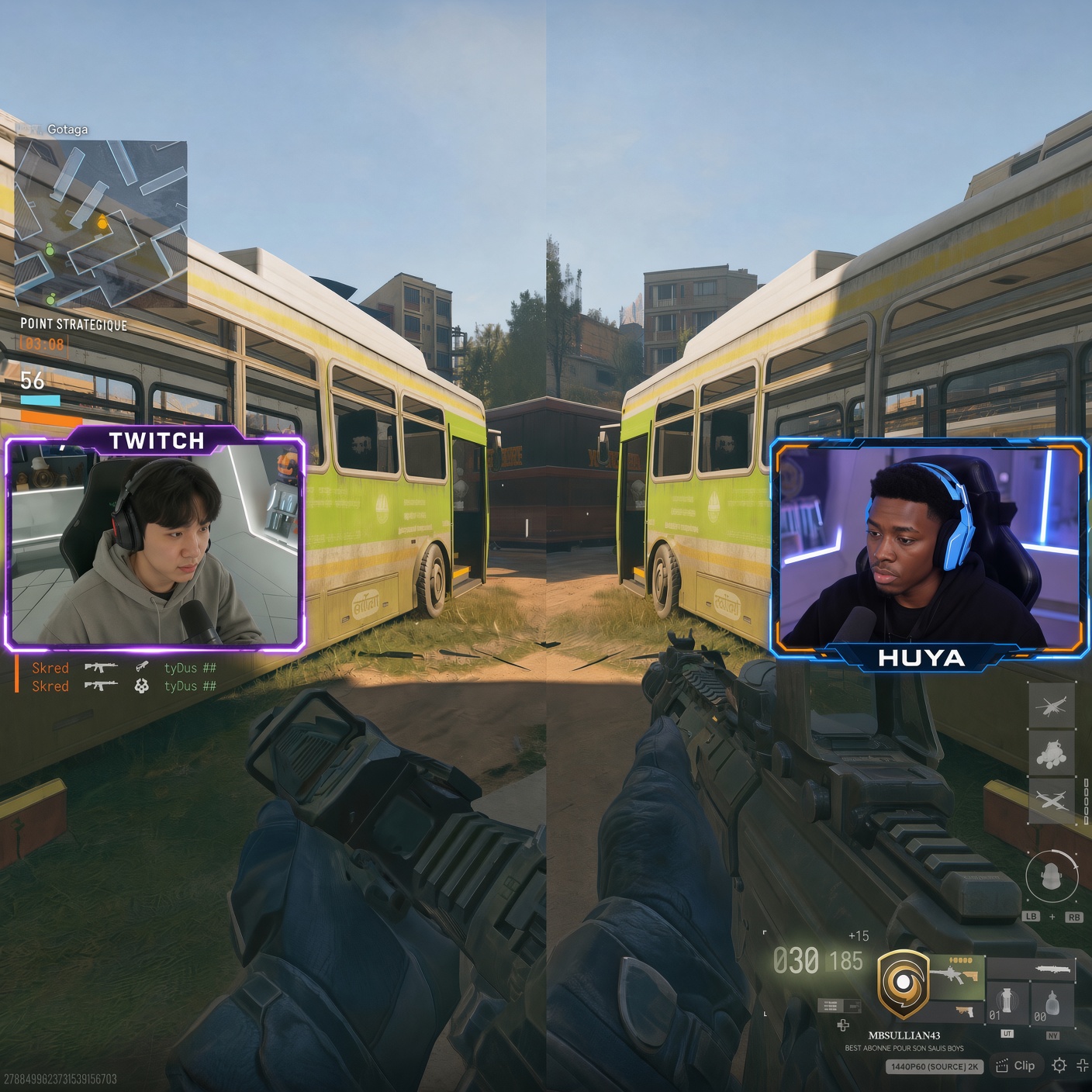
Configure the encounter
In Hypogée, select an available game, a stake or exhibition, a format and a match type. For a console or PC game, also select the platform. The start button becomes available once the journey’s requirements are met.
Prepare the broadcast
Games using visual refereeing require at least one verified, readable stream from each side. Activate a compatible broadcast connection before starting. A linked account does not guarantee a stream is currently live. Web games do not require this video evidence.
Share an invitation
Private · Link creates a shareable URL. A connected recipient with a configured player profile can join directly. Otherwise they complete the required steps and resume the invitation. If their balance is insufficient, they can open the same deposit flow as Portfolio.
Use the available balance
Stakes use USDC available in Portfolio. Session authorisation may be requested if it is missing or expired; subsequent supported actions use that session. You do not need another deposit after every match while your balance is sufficient.